Physical Address
304 North Cardinal St.
Dorchester Center, MA 02124
Physical Address
304 North Cardinal St.
Dorchester Center, MA 02124

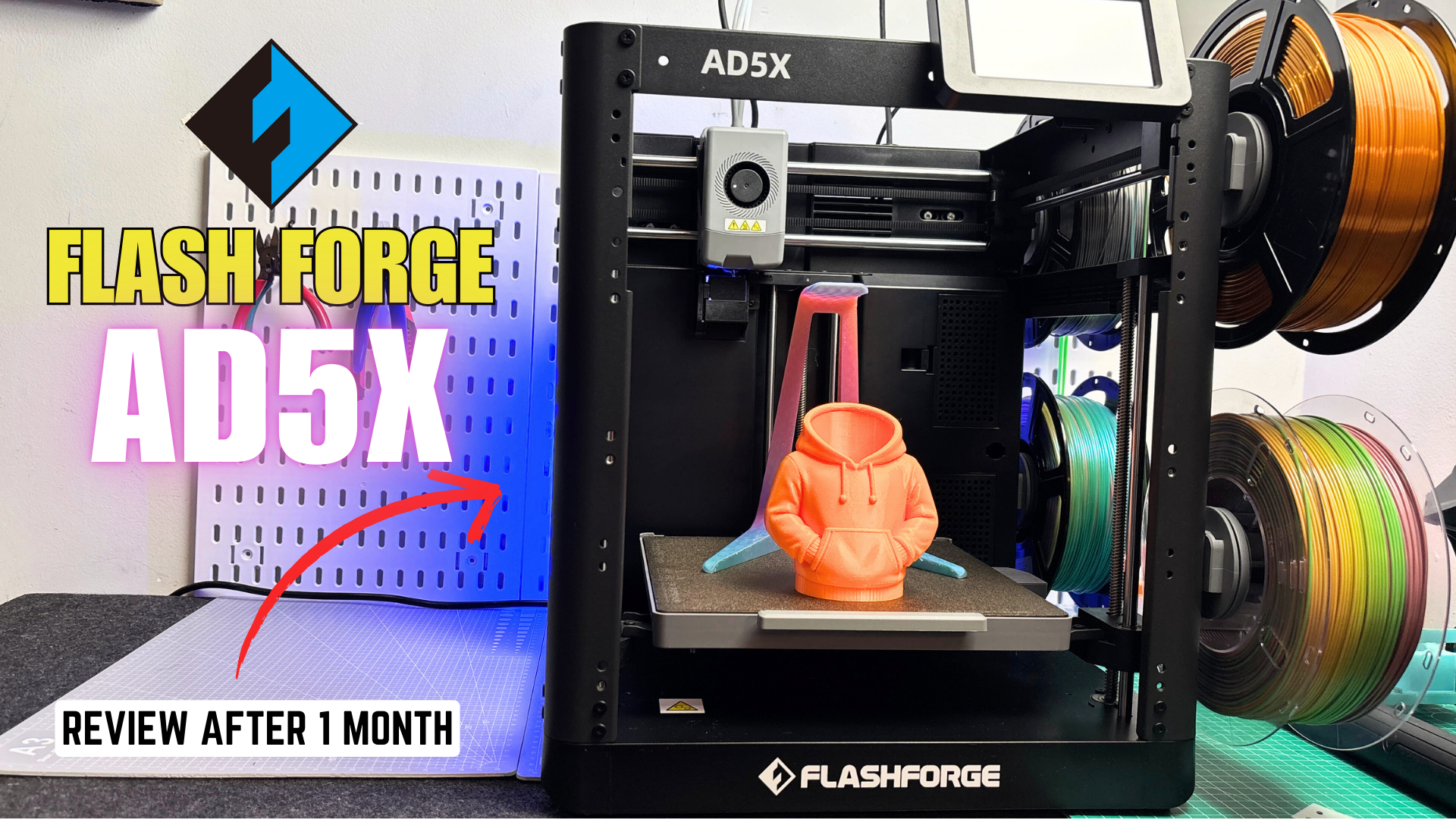
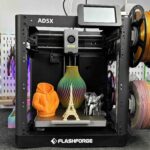
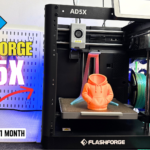
Discover our honest review of the FlashForge AD5X Multicolor 3D Printer, now available for around $399. We cover real-world setup, performance, multicolor and single-color print tests, and how it handles PLA, PETG, and TPU. Learn about its CoreXY motion, IFS multi-filament system, touchscreen usability, and practical pros and cons to help you decide if the AD5X is worth buying.
If you’ve been thinking about getting into 3D printing, this might be one of the best deals you’ll see this year.
The FlashForge AD5X is a high-speed, multi-color 3D printer that’s currently available for around $399 on Amazon, which puts it far below most other multicolor printers on the market. That price alone makes it interesting—but specs don’t tell the whole story.
I’ve been using the AD5X for a while now, and in this review, I’ll share my real-world experience: what I like, what I don’t like, and who this printer actually makes sense for. I’ll also talk about single-color and multi-color print results, including something you don’t often see—multi-color TPU printing.
By the end of this article, you should have a clear idea of whether the FlashForge AD5X is worth buying or not.
The AD5X is FlashForge’s take on an affordable multi-color CoreXY printer. It’s based on the same platform as the AD5 and AD5M Pro but adds the IFS (Intelligent Filament System), allowing it to handle up to four filaments for multi-color or multi-material printing.
Key highlights at a glance:
On paper, it looks very capable. The real question is how it performs in practice.
The AD5X was packed exactly how I’ve come to expect from FlashForge—and that’s a good thing.
The printer arrived securely packaged with thick foam padding on all sides, along with additional internal supports to keep the frame square during shipping. Accessories like the spool holders, tools, and cables were neatly placed in custom-cut foam slots, which gave me confidence that nothing had shifted or been damaged.
FlashForge didn’t include the optional enclosure or camera for this review. Both are available as add-ons, and I may update this review later if I get my hands on them.
One thing I really appreciated is that the printer comes mostly assembled in the box. Setup doesn’t feel intimidating, even if you’re new to 3D printing.
The basic steps are:
That’s it. Once those steps are done, the printer is essentially ready to power on.
The touchscreen ships mounted to the front of the printer, held in place by locking screws. To install it properly, you first remove those screws, lift the screen, and slide it into the mounting slot at the top of the frame.
Functionally, this works fine, but personally, I would’ve preferred the screen to ship separately. It’s not a big deal—just a minor design choice that stood out to me.
The IFS system is FlashForge’s solution for multi-color printing, and installing it is fairly straightforward.
The unit mounts on a dedicated plate at the top of the printer, and once it’s seated correctly, you connect the filament tubes from the IFS to the printer’s inlets.
The AD5X supports four filament spools, all mounted on one side of the printer. Both the spool holders and filament tubes are clearly labeled. In practice, there’s really only one loading path that makes sense once you see it in person.
To load filament, you insert it into the bottom of the IFS module and push it in a few centimeters until the system automatically grabs it. This part can feel slightly awkward at first because the spool holders are spring-loaded and tend to retract a bit while you’re feeding filament.
Once everything is set up, filament changes are easy. The IFS system automatically cuts and retracts filament, making color swaps smooth and mostly hands-off.
The FlashForge AD5X has a 220 × 220 × 220 mm build volume, which is the same size as the AD5 and AD5M Pro. It’s a familiar and practical size—large enough for most projects without making the machine overly bulky.
The printer supports:
That means it should be capable of handling materials like PLA, PETG, ABS, ASA, Nylon, and even Polycarbonate, at least from a temperature standpoint.
FlashForge also claims print speeds up to 600 mm/s with acceleration reaching 20,000 mm/s². Those are impressive numbers on paper, but as always, real-world performance matters more than marketing claims.
One standout feature is FlashForge’s claim that the AD5X can print 95A TPU using the multi-color system, which is extremely rare in this category. I’ll talk more about that later.
The AD5X uses a CoreXY motion system, which works differently from traditional Cartesian printers.
In a CoreXY setup:
This design offers several advantages:
On the AD5X, the Z-axis is driven by three lead screws connected via belts, which helps keep the bed level and stable during movement.
The AD5X shares its open-frame design with the AD5M Pro. This has some clear advantages:
FlashForge offers an optional enclosure, which becomes important if you plan to print temperature-sensitive materials like ABS or ASA.
Because my unit is open-frame and I don’t have a carbon HEPA filtration setup, I limited my testing to PLA, PETG, and TPU. Printing ABS, ASA, Nylon, or Polycarbonate in an open environment just isn’t realistic in my workspace.
That said, performance with PLA, PETG, and TPU has been excellent, and multi-color TPU printing in particular has been surprisingly fun and impressive.
The AD5X uses a 4.3-inch touchscreen, similar to what you’ll find on FlashForge’s Adventurer series.
The interface is clean and beginner-friendly. Basic tasks like:
are all easy to access.
One downside is that the screen is resistive, not capacitive. Using your finger can feel unresponsive at times, and I found myself using a pen or stylus for better accuracy. I really hope FlashForge upgrades this in future models.
If you have the optional camera installed, you can view time-lapse videos directly on the screen, which is a nice touch.
The IFS system is powered by two stepper motors, a clutch shaft, and four filament channels. Once powered on, it supports automatic filament loading and unloading.
In practice, the system works well:
Filament changes are clean and consistent, and once you get used to the loading process, it becomes second nature.
The AD5X uses a direct-drive extruder with a quick-change 0.4 mm brass nozzle. The front cover is magnetic and easy to remove, which makes maintenance much less annoying.
One design choice I really like is the 5015 blower fan mounted on the toolhead. The cover connects via pins instead of wires, so you don’t have to deal with dangling cables when working on the hotend.
Nozzle changes are tool-free, and FlashForge offers optional nozzles in 0.24 mm, 0.6 mm, and 0.8 mm sizes.
Because the AD5X is an open-frame printer, it’s noticeably louder than enclosed models like the AD5M Pro.
In my testing, noise levels averaged around 72 dB, with peaks up to 80 dB during fast movements. It’s not unbearable, but I personally wouldn’t want to work in the same room while it’s printing for long periods.
With PLA, PETG, and TPU, the AD5X performed very well.
Single-color prints were clean and consistent once profiles were dialed in. Multi-color prints worked reliably, and multi-color TPU printing was the most impressive part of the experience. Seeing flexible parts printed in multiple colors without manual intervention never really gets old.
The FlashForge AD5X isn’t perfect. It lacks built-in lighting and a camera in the base model, and the open-frame design limits material choices unless you add the enclosure.
However, for $399, it offers:
If you’re looking for an affordable entry into multi-color 3D printing, especially for PLA, PETG, and TPU, the AD5X is a very compelling option.
If you’re interested in the FlashForge AD5X, I’ll leave a link below so you can check the current price.
If you have any questions—or want to see specific print tests—feel free to leave a comment.
Thanks for reading, and I’ll see you in the next review.